Photo-guided identity
The uploaded image guides facial appearance, hair, skin tone, composition and the starting environment.

Upload one adult reference photo and turn it into an 8-second AI video with motion and sound. Start with a ready-made video preset or describe the action in your own prompt.
Image-to-video AI example
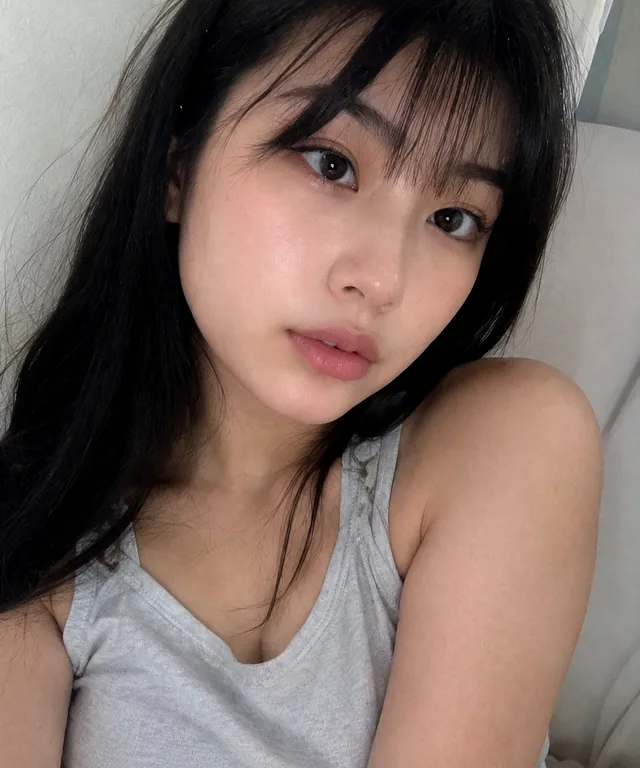
The image anchors the subject and setting while the selected preset or prompt describes what changes over time.
UndressGoon combines an image-to-video workflow with adult-focused presets instead of treating NSFW motion as an unsupported afterthought.
The uploaded image guides facial appearance, hair, skin tone, composition and the starting environment.
Choose direct actions, reveals, outfit motion and fetish-oriented looks without writing a long prompt.
Describe timing, camera position, movement, expression and spoken or ambient sound when presets are not specific enough.
Video generation has to preserve a subject while also creating new motion across many frames. A simple source image and focused action generally produce a more stable result.
Read the reference-photo preparation guide before spending credits.
Upload an eligible adult photo, select Video, and choose a preset or custom prompt. The system uses the still image as its reference while generating eight seconds of new motion and sound.
Each video costs two credits. A failed generation is refunded automatically, so you can retry without losing those credits.
Yes. After topping up, choose the custom video prompt and describe the movement, framing, pacing, expression and audio you want. Focused prompts with one continuous action tend to be more coherent.
Yes. The result is an eight-second MP4 with generated sound. Use the player controls to unmute it.
Video rendering takes longer than an image and can vary with demand. Keep the page open while the job is running; the finished result can be watched or downloaded when it arrives.
No. Curated promotional examples are selected separately; customer uploads and generated results are not automatically published as marketing examples.
Upload one eligible adult image, choose Video, and generate an eight-second clip with sound.
Open the AI video generator